
Feeding Tracking, Built for 3 AM — and Free
Momena 1.7 adds free breastfeeding, bottle, and diaper tracking — a one-tap timer on your Lock Screen and Dynamic Island, a Today view, and trend charts. All encrypted, on your iPhone.
Read more
Momena helps you store memories, milestones, and your child’s health data securely on your own device. No tracking. No data selling. Ever.
Capture memories, plan life, and keep health notes organized — without giving up control.

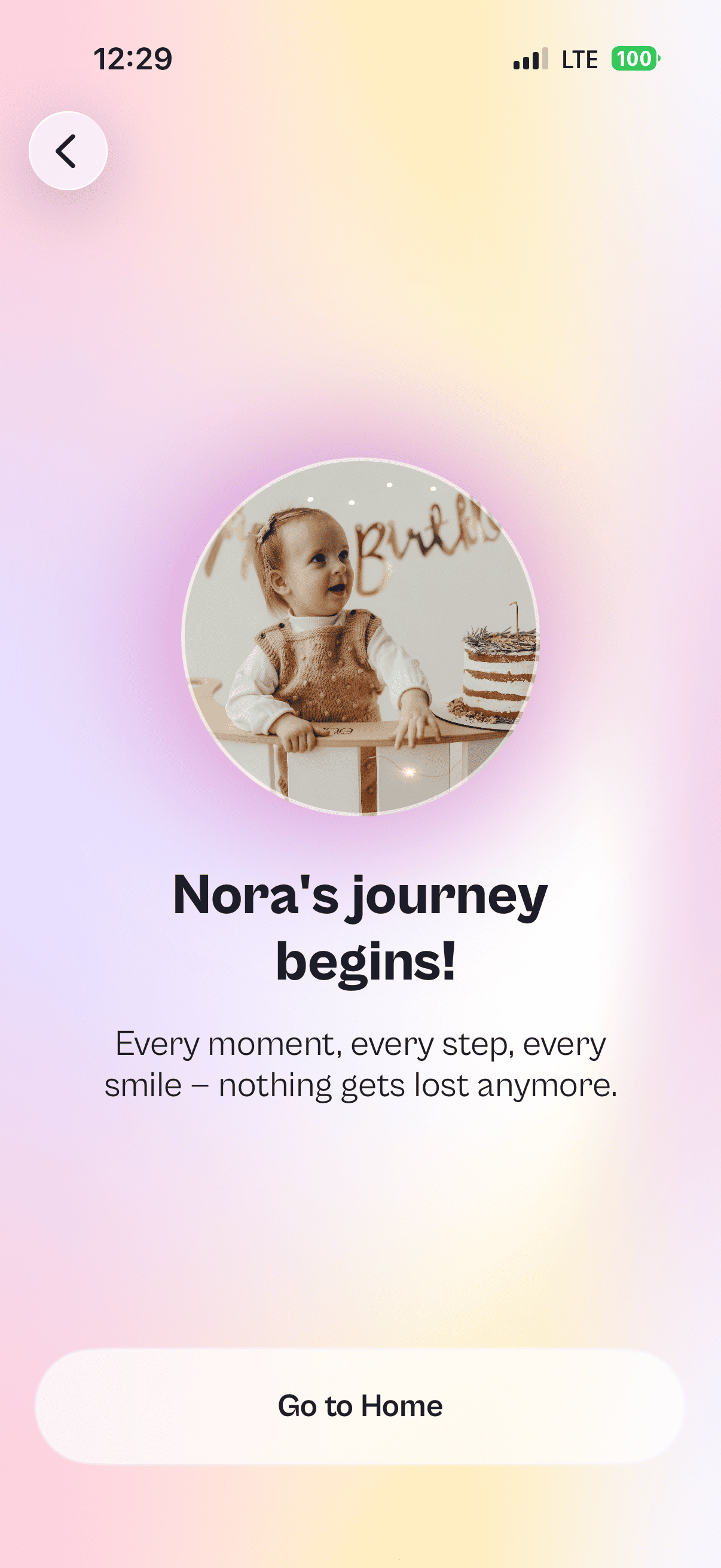
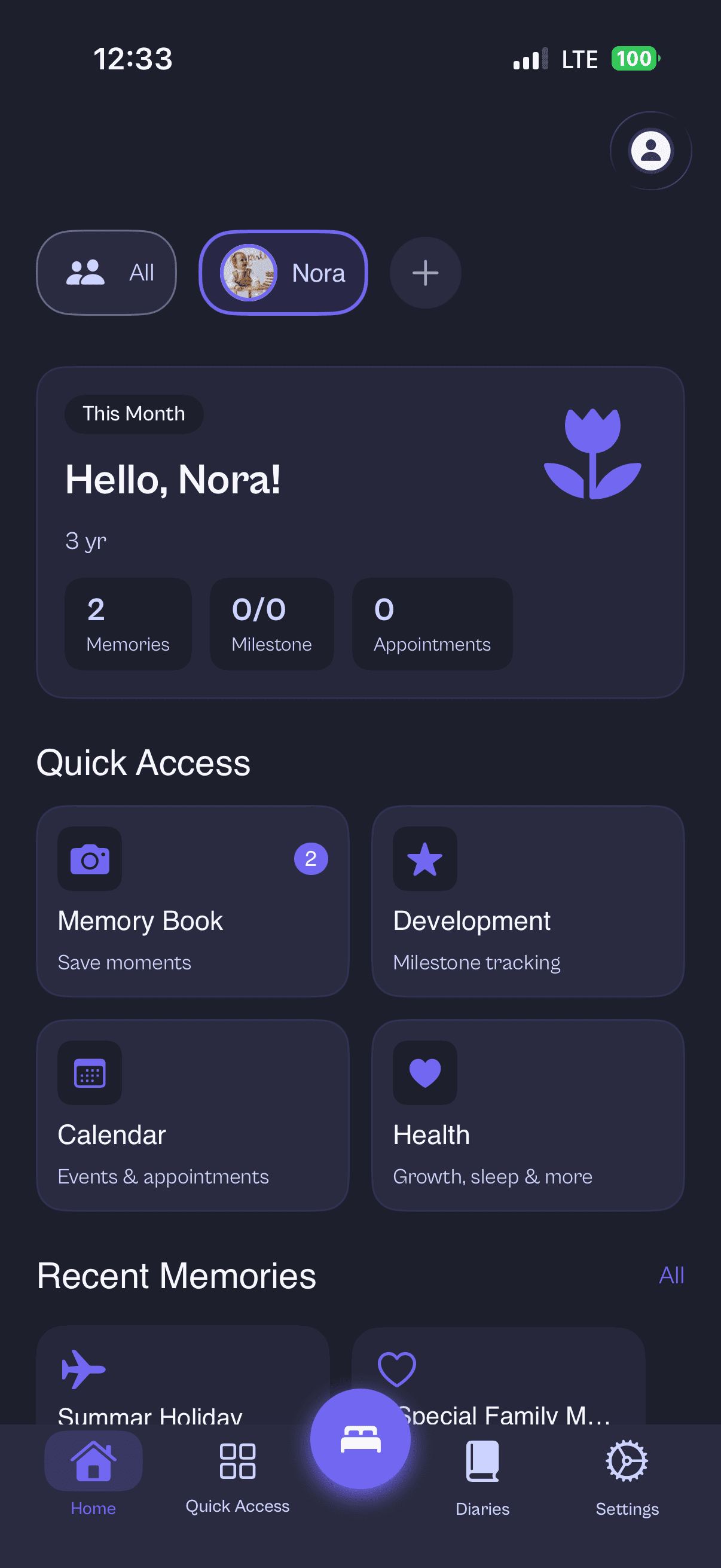
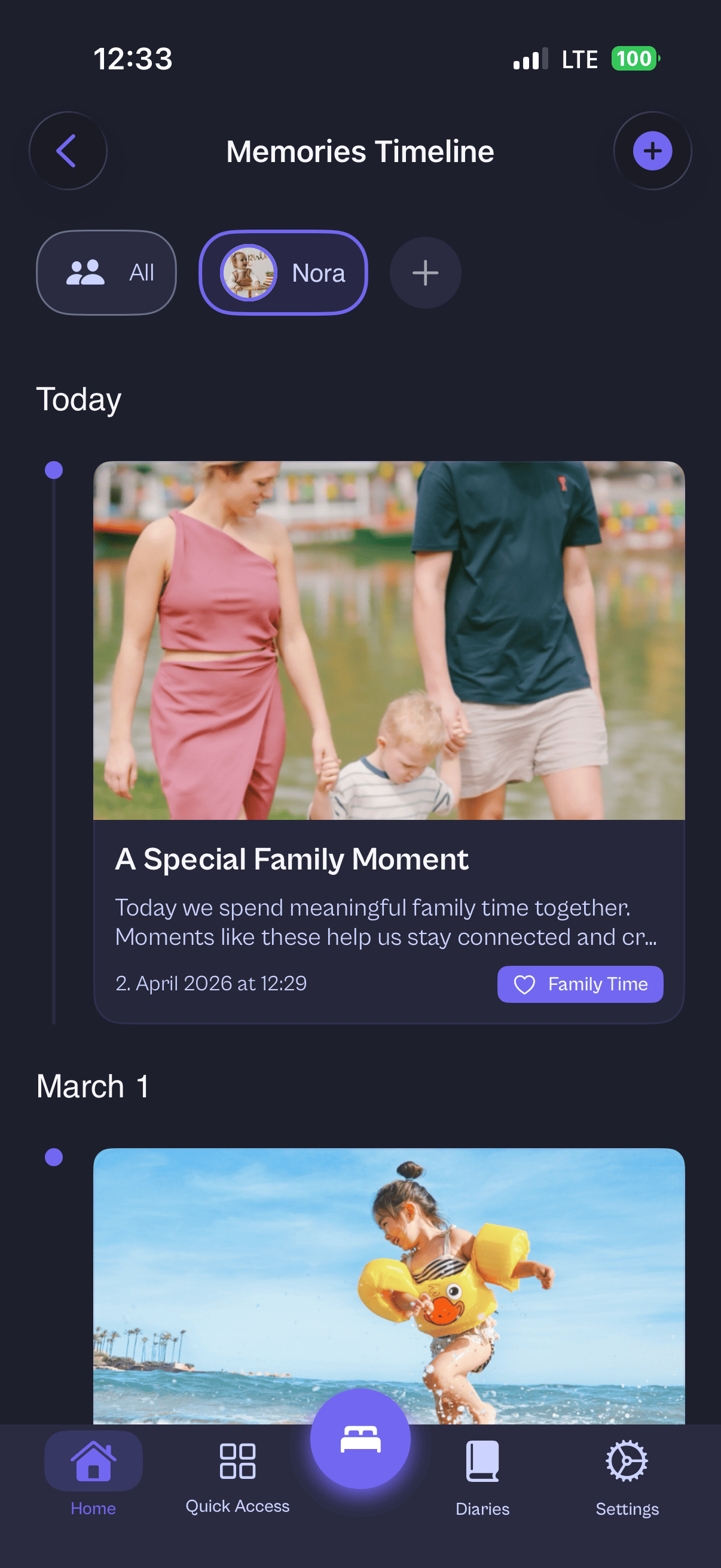
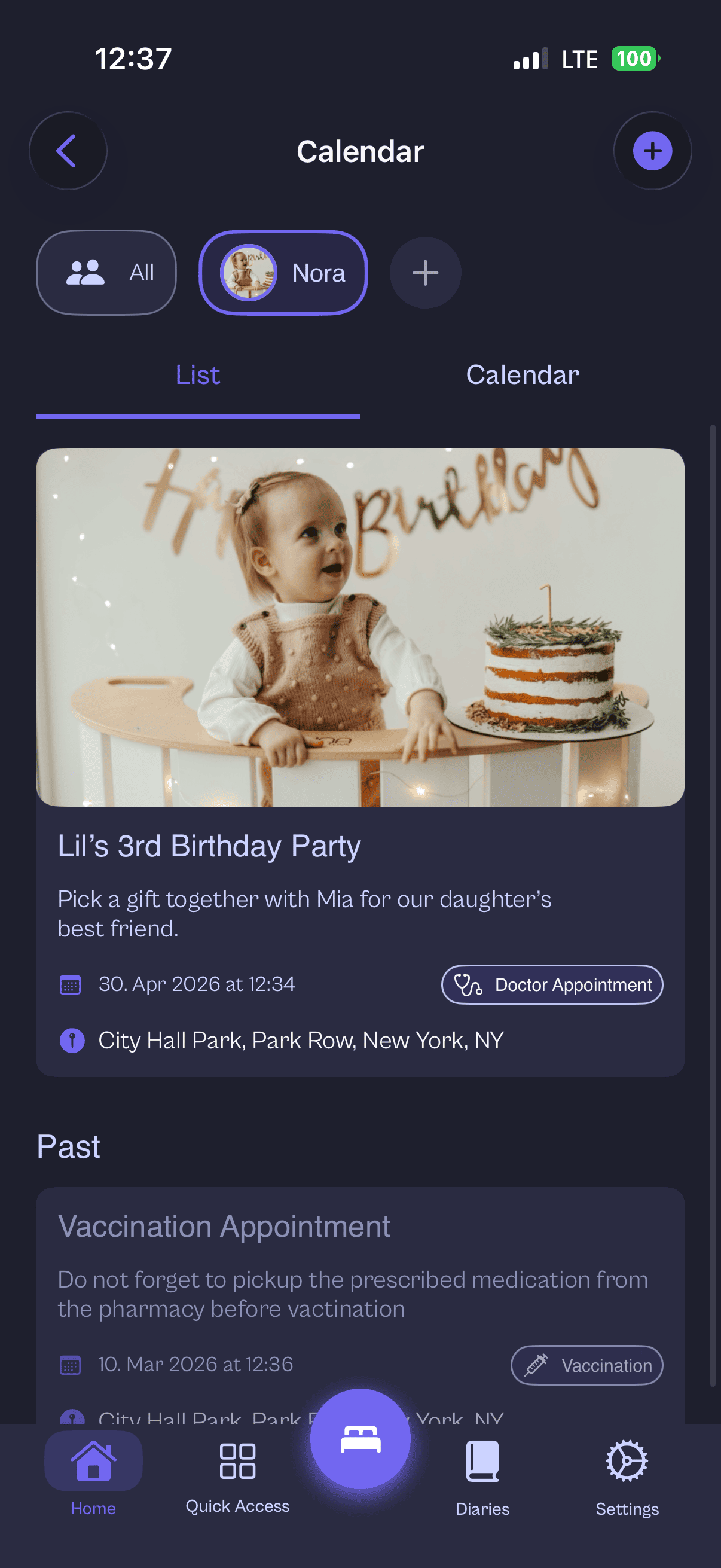
Your most personal moments often end up in places you can’t fully control.
Photos, notes, and health details are frequently uploaded by default — creating extra copies outside your home.
Many apps rely on analytics or tracking to “improve the product.” That can be hard to square with family privacy.
When data lives elsewhere, you’re asked to trust policies, promises, and security practices you can’t verify.
A calm place for family life — built so your data stays yours.
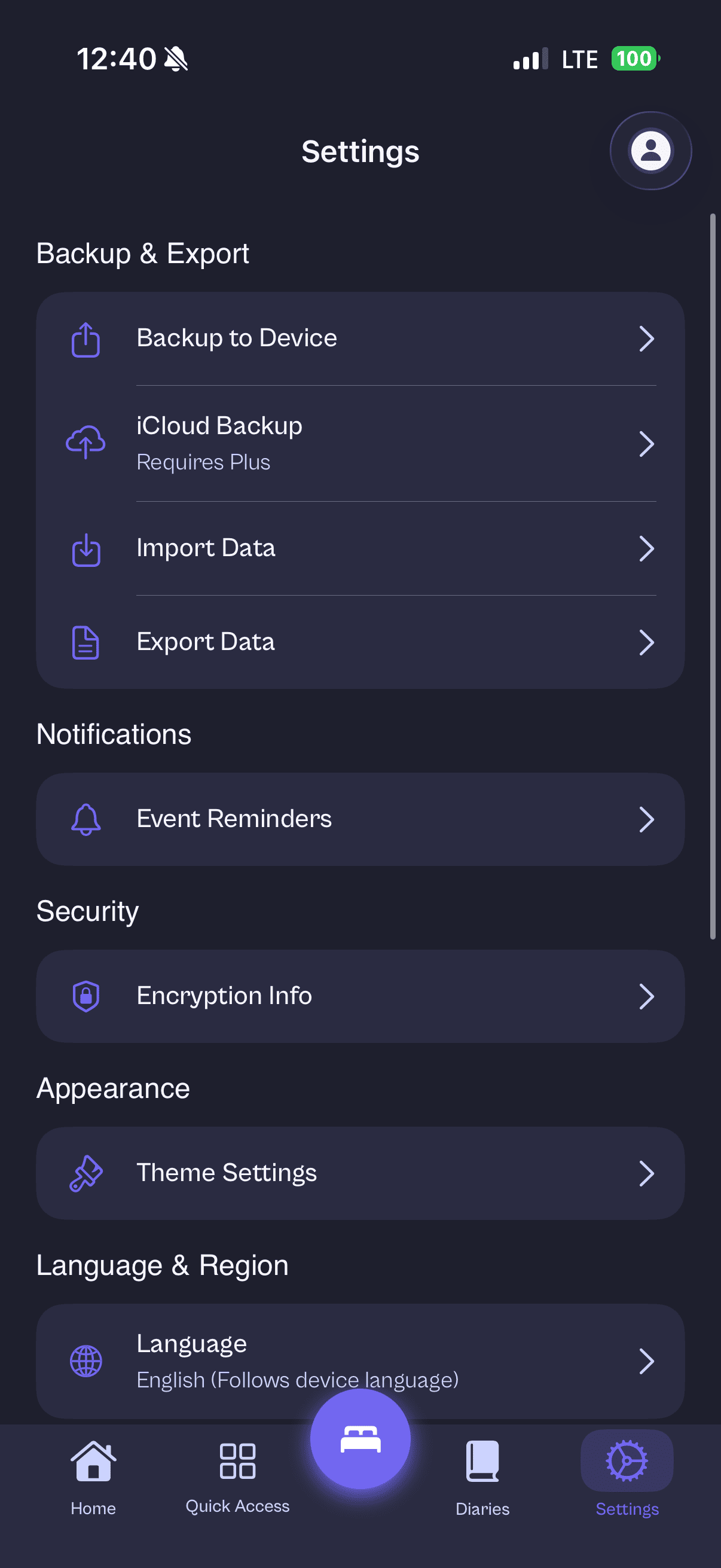
Your memories and health notes live on your iPhone or iPad first — not on our servers.
We don’t profile your family, sell data, or run ad tech. It’s not that kind of app.
A free safety-net backup keeps an encrypted copy of your latest data in your own iCloud account — never on our servers.
Designed for the moments that matter — with privacy as the default, not a setting.
Privacy isn’t a toggle in Momena — it’s the default.
| Feature | Momena | Typical apps |
|---|---|---|
| Data stored on your device | Yes | No |
| Tracking | No | Often yes |
| Data selling | No | Possible |
| Privacy-first design | Yes | Rare |
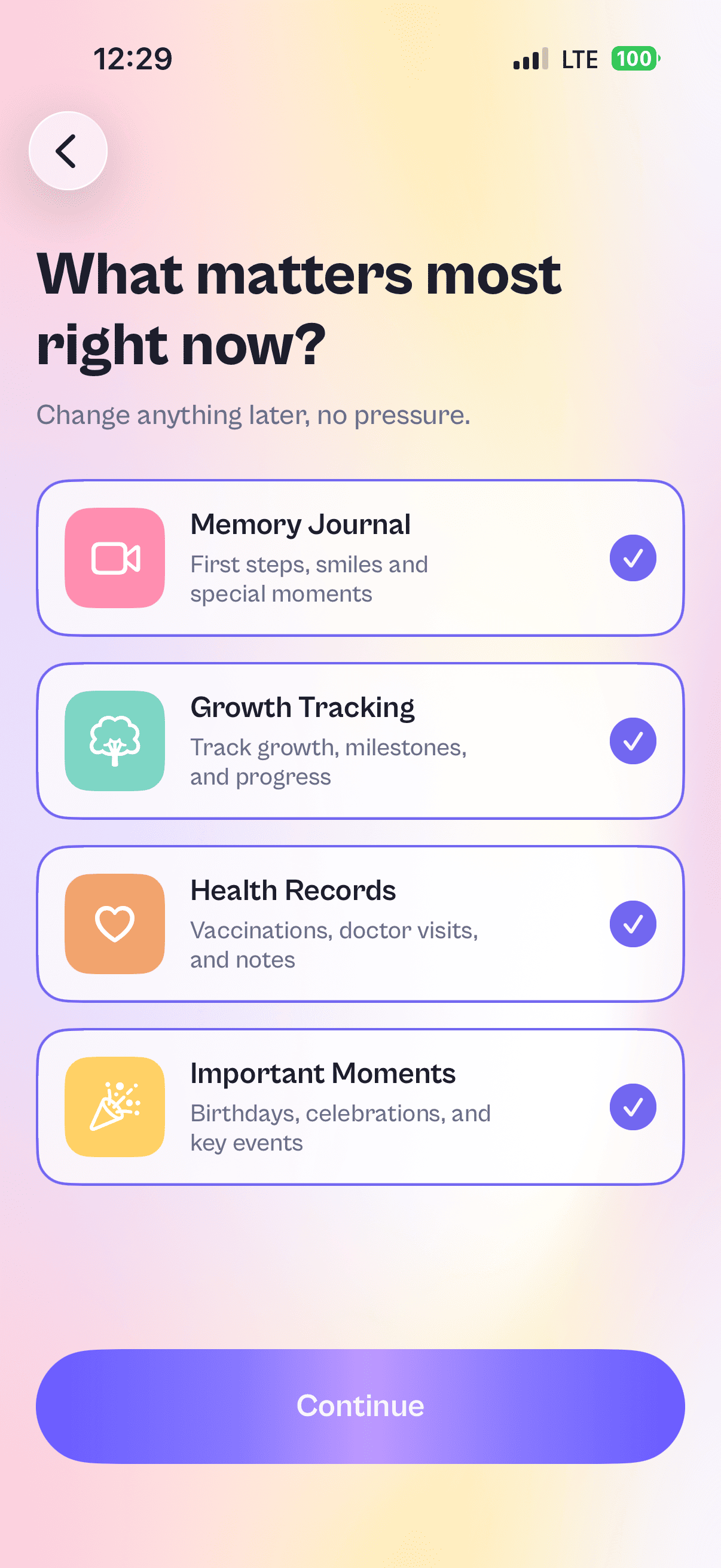
Save photos, videos, notes, and milestones into a timeline you’ll actually want to revisit.
Appointments, vaccinations, birthdays — everything you need to remember, in one calm view.
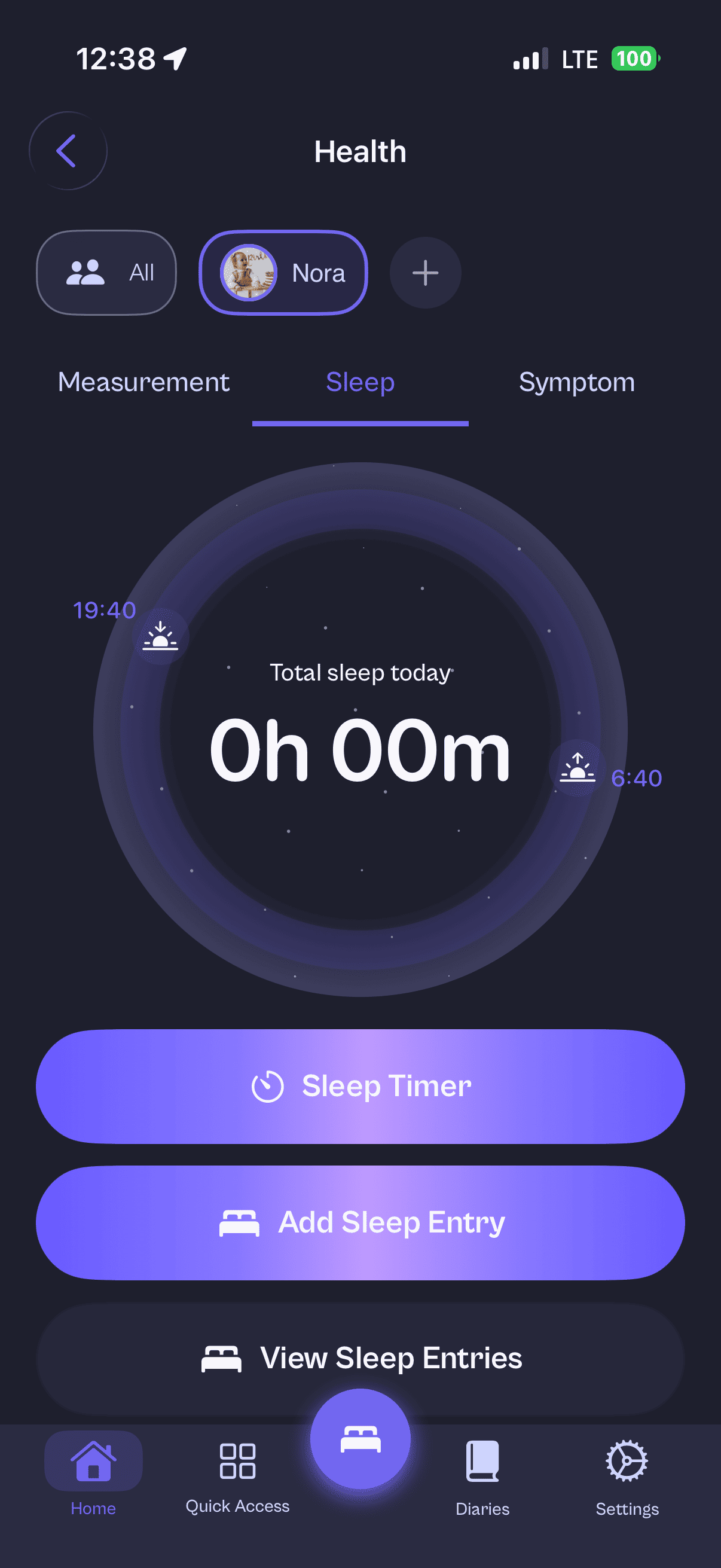
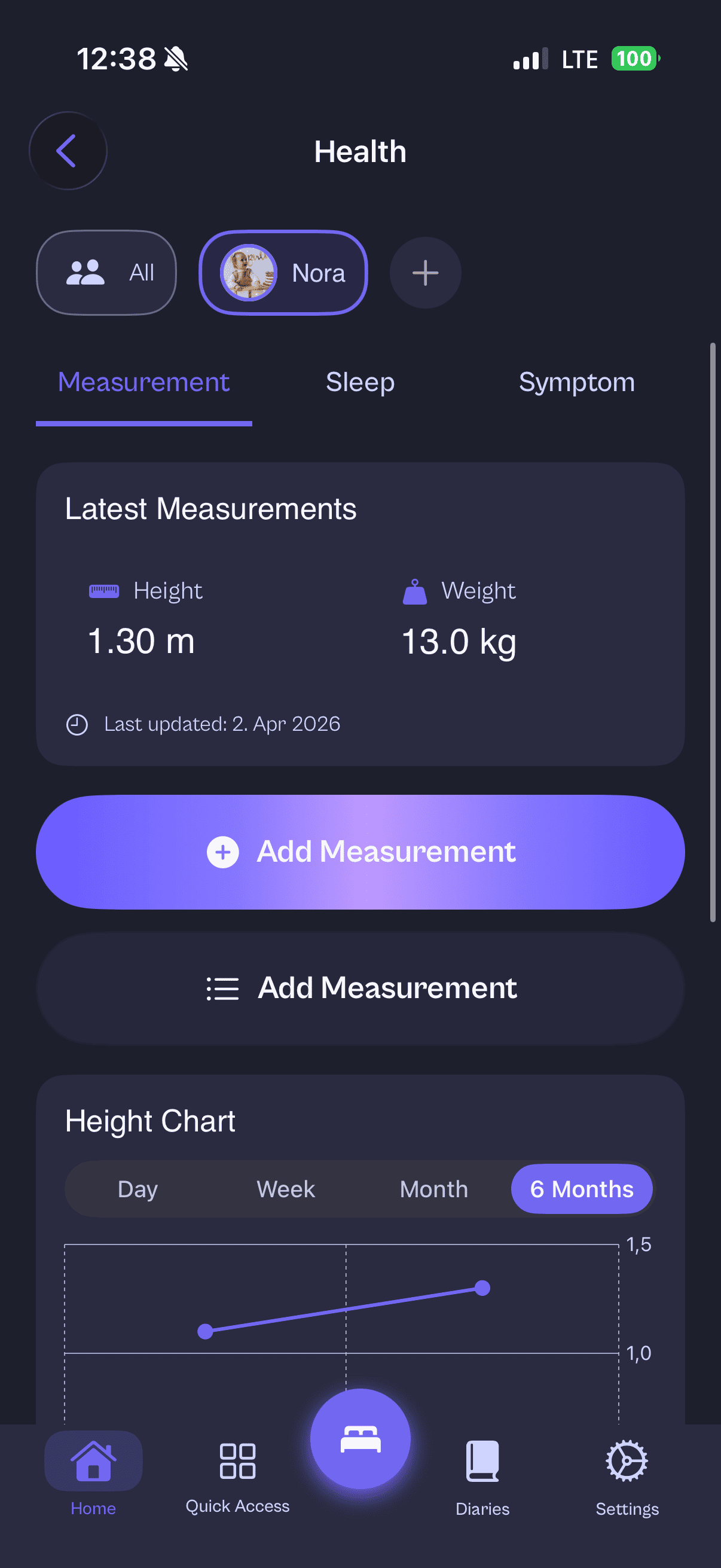
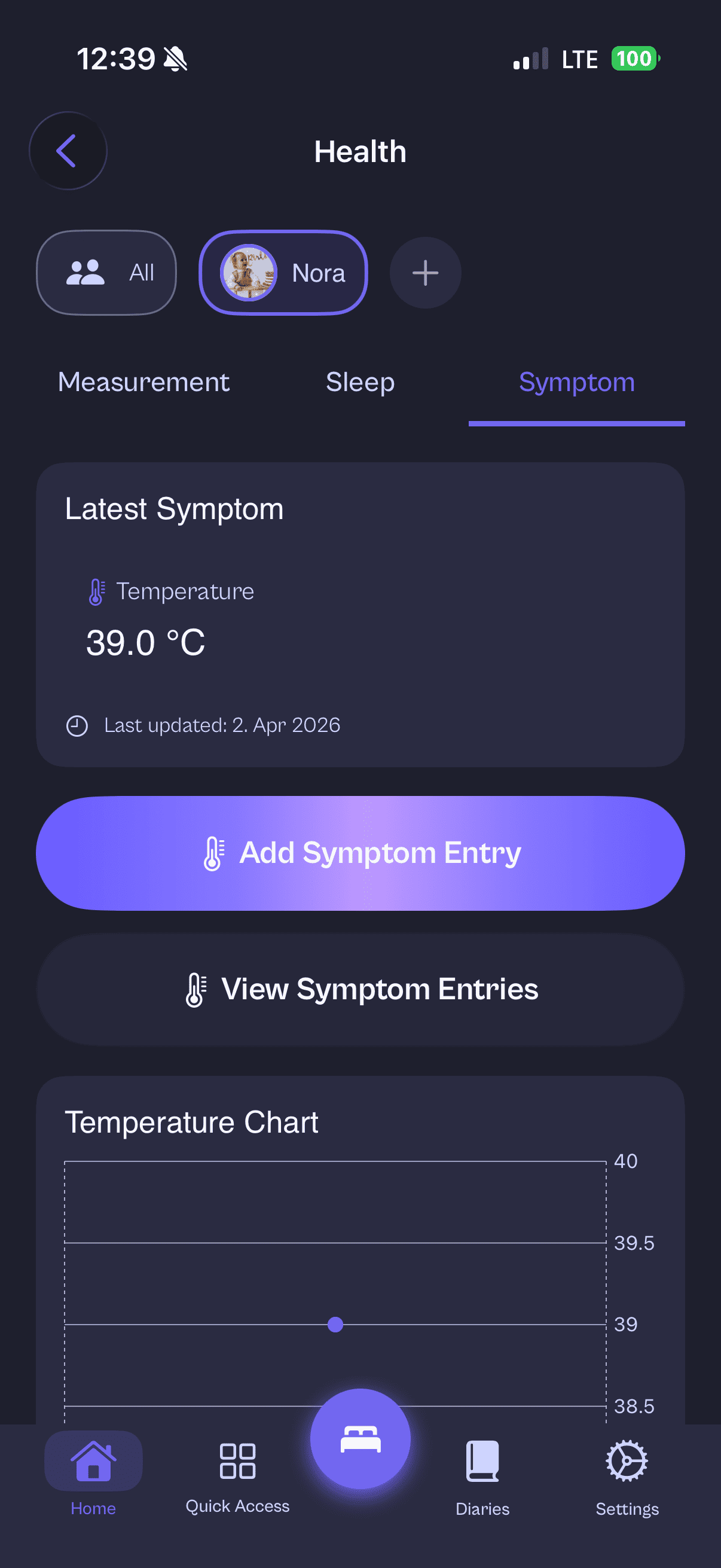
Track growth, sleep, symptoms, and measurements in a single place you can trust.
Local-first by default, optional backup when you choose, and no tracking — so privacy stays simple.
Private by default. Your backup lives in your own iCloud.
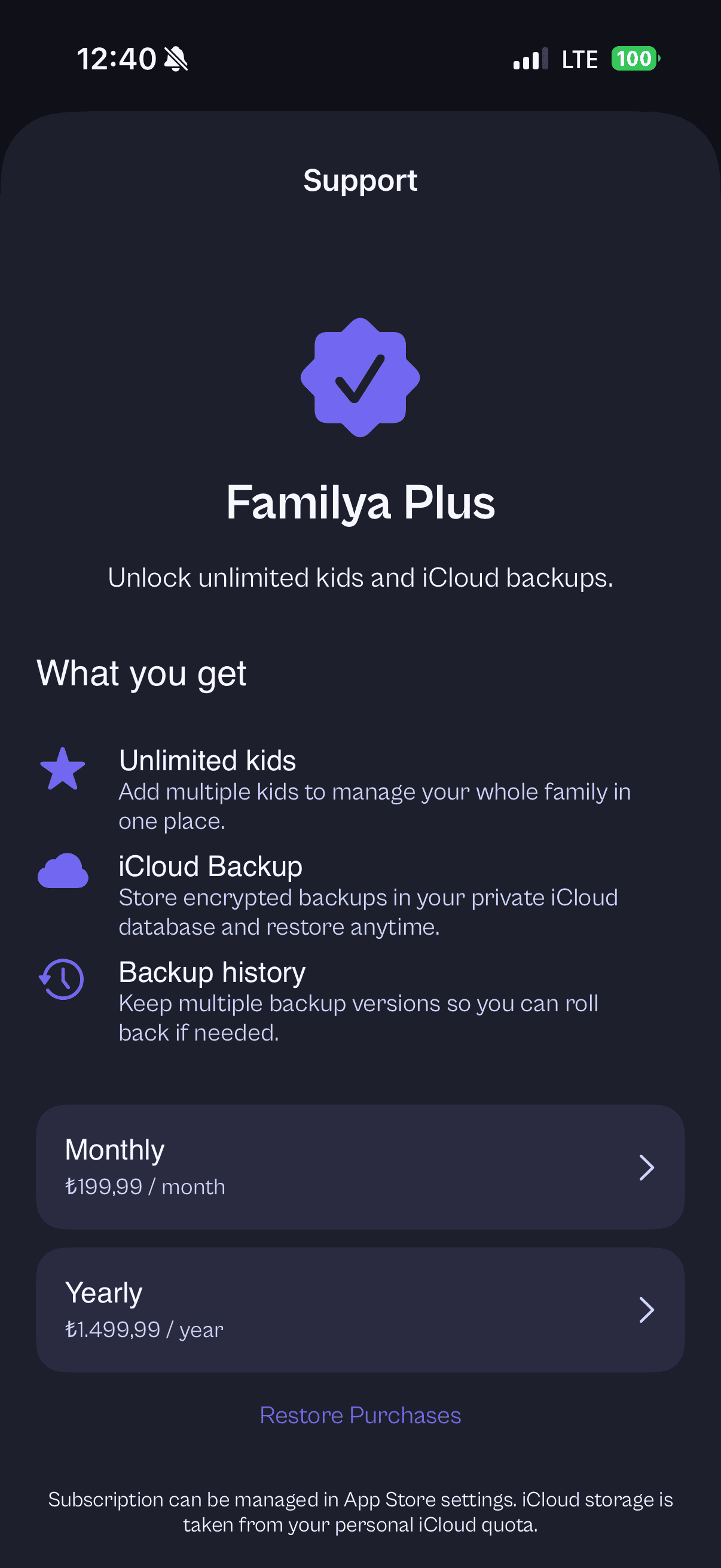
Momena is free: up to 2 kids, all features, and a free iCloud safety-net backup. Momena Plus adds unlimited kids, full backup history, and family sharing.
per month
Billed monthly through the App Store. Cancel anytime.
per year
Best value for families who want Plus year-round.
one-time purchase
Pay once, yours forever. No subscription.
Momena Plus unlocks unlimited kids (the free plan includes two), full iCloud backup history with multiple versions, and family sharing for calendar events. Everyone — with or without Plus — gets core features and a free automatic safety-net backup: an encrypted copy of your latest backup, stored in your own iCloud account.
Prices are charged in your local currency where applicable; Apple may show a slightly different price after tax or rounding. Managing or canceling your subscription is done in your Apple ID settings.
See our Support page or email hello@momena.app.
Momena exists so busy parents spend less time juggling apps—and more time with family.
Family life generates a flood of moments: first steps, doctor visits, birthdays, and everyday photos. Too often those memories end up split across camera rolls, calendars, and notes. We wanted one calm place that respects your privacy: encrypted on your device, with optional iCloud Backup when you choose.
Product updates, privacy notes, and ideas for organizing family life.
Momena 1.7 adds free breastfeeding, bottle, and diaper tracking — a one-tap timer on your Lock Screen and Dynamic Island, a Today view, and trend charts. All encrypted, on your iPhone.
Read more
Parenting is rarely solo. Family Sharing lets Momena Plus members share a child’s calendar with their Apple Family group—while memories and health records stay private.
Read more
Sleep shouldn’t be paywalled. Here’s why Momena’s sleep timer is free—and what you get: a visual sleep clock, Live Activity, and on-device privacy.
Read more
Baby apps often upload sleep, feeding, and growth data to company servers. Here is what “anonymous” can miss—and how Momena keeps data on your iPhone by default.
Read moreWe are here to help with Momena, subscriptions, and privacy questions.
Email us at hello@momena.app. We read every message and typically reply within a few business days.
Momena Plus (unlimited kids, backup history, family sharing) is purchased through Apple. To manage or cancel a subscription, open Settings on your iPhone or iPad, tap your name, then Subscriptions. Lifetime is a one-time purchase, not a subscription. Apple handles payment and refunds according to their policies.
Current list prices on this site: €3,99 per month, €29,99 per year, or €39,99 once (Lifetime)—final price in the App Store may vary by region or tax.
Read the Privacy Policy for details on what data Momena uses and how it is protected. For terms of use, see the Terms of Service.
Local storage works without a subscription. iCloud Backup is optional and uses your Apple ID’s iCloud. If restore does not work as expected, email us with your device model and iOS version (no need to send personal health or memory content).
Have a different question? Reach out to us at hello@momena.app.
Momena combines memories, calendar events, and health tracking in one app. Your data stays on your device by default with AES-256 encryption—no cloud required unless you choose optional iCloud Backup. We don't share, sell, or use your data for advertising.
Momena is free to use: up to 2 kids, all tracking and memory features, local backups, and a free automatic iCloud safety-net backup. Momena Plus — as a subscription or a one-time Lifetime purchase — adds unlimited kids, full backup history, and family sharing.
Yes. All your data is stored locally on your device. The app works fully offline. iCloud Backup (if enabled) syncs when you're connected, but core features don't require internet.
All sensitive data is encrypted at rest using AES-256-GCM. Encryption keys are stored in iOS Keychain, and data is protected by the iOS Data Protection API. We don't operate our own servers—your data stays on your device or in your private iCloud account when you enable backup.
Yes. You can export your data at any time, delete all data through app settings, and control backup and restore operations. You own your data.
Momena is available on iPhone and iPad via the App Store. It's designed for iOS and uses Apple's security features including Keychain and Data Protection.
Download Momena from the App Store, open the app, and add your first family member. You'll be guided through setting up a profile — name, birthdate, and photo. From there you can start adding memories, health records, and calendar events right away. No account or sign-up required.
Yes. The free plan includes up to 2 children, and Momena Plus removes the limit. Each child has their own profile, memories, health records, and milestone tracking. The Home screen shows data for all children or lets you filter by a specific child.
Momena Plus unlocks unlimited kids (the free plan includes two), full iCloud backup history with multiple versions, and family sharing for calendar events. Core features — memories, health tracking, calendar events, milestone tracking, and the free safety-net backup — are available to everyone. Plus is available monthly (€3.99), yearly (€29.99), or as a one-time Lifetime purchase (€39.99), billed through Apple.
iCloud Backup stores an encrypted copy of your Momena data in your own iCloud account — not on our servers. If you get a new iPhone or iPad, you can restore your data from this backup. We never have access to your backup or its contents. Everyone gets a free automatic safety-net backup that keeps your latest backup up to date; keeping multiple backup versions requires Momena Plus.
Your data stays on your device — nothing is deleted. You keep your existing child profiles and the free safety-net backup. What you lose is backup history with multiple versions, family sharing, and the ability to add more than two children.
Growth percentiles show how your child's height and weight compare to other children of the same age and gender. Momena uses official WHO (World Health Organization) growth standards — the same data pediatricians use worldwide. If your child is at the 50th percentile for weight, it means half of children their age weigh more and half weigh less. The normal range is generally p15–p85. Percentiles are a reference tool, not a verdict — if you have concerns, always consult your pediatrician.
Momena includes 50 developmental milestones based on WHO and AAP (American Academy of Pediatrics) data. Gross motor milestones (sitting, crawling, walking) use WHO's official windows of achievement. Language, cognitive, social, fine motor, and feeding milestones use AAP guidelines. Each milestone shows an earliest, typical, and latest age — because development happens in windows, not at fixed points. Sources are shown on every milestone card.
No. Momena is a personal organization tool for families — not a medical device and not a replacement for professional medical advice. Health tracking features (growth charts, symptom logs, sleep records) are designed to help you keep organized and have better conversations with your pediatrician. If you have concerns about your child's health or development, always consult a qualified healthcare professional.
Momena currently supports English, Turkish, and German. You can set your preferred language in the app settings independently of your device language. We plan to add more languages in future updates.
Open the app on your new device and tap "Restore from backup" on the welcome screen — restoring never requires a subscription. You'll need your backup password to decrypt your data. If you used local backup, export the backup file from your old device, transfer it to your new device, and restore from there. If you run into any issues, email us at hello@momena.app with your device model and iOS version.
Not currently. Momena is built specifically for iOS, which lets us use Apple's security features — Keychain, Data Protection API, and iCloud — to keep your data private by design. An Android version is something we may consider in the future.
Email us at hello@momena.app. We read every message and typically reply within a few business days. For subscription and billing questions, Apple handles those through your App Store account settings.
We don't have open positions right now.
If you’d like to reach out anyway, email us at hello@momena.app.